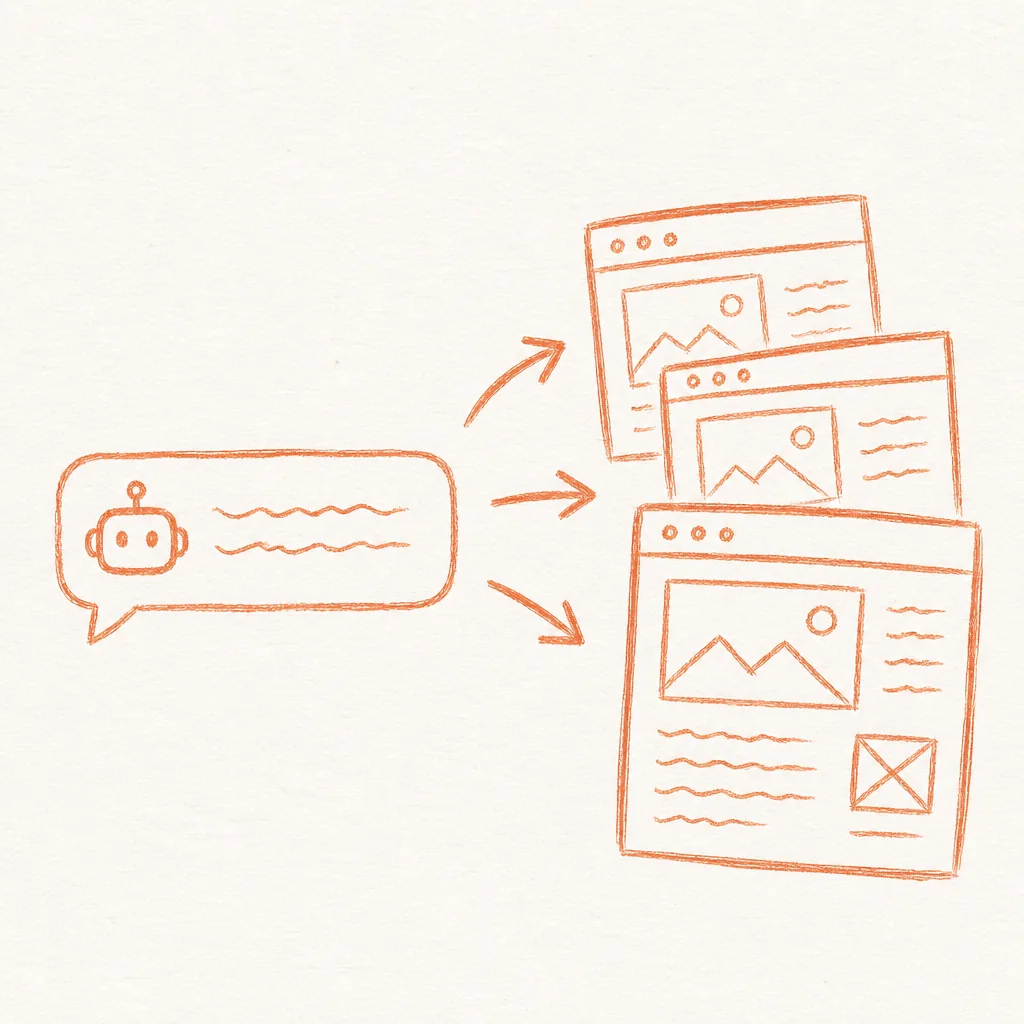
An AI website builder that costs nothing and requires no subscriptions is already possible with the tools available right now. We spent about $500 a year on Webflow for a site we barely changed. Every update meant logging in, finding the right page, waiting for the editor to load, clicking through elements, and publishing with a build delay. So we rebuilt it with static HTML files, generated by an AI agent, hosted on Cloudflare Pages' free tier. It takes three accounts and about thirty minutes. The ongoing cost is zero.
This is about connecting your site to an AI agent so you can prompt changes instead of clicking around a visual editor. Cloudflare's free plan already hosts a large share of the web's static sites, and GitHub hosts the world's largest collection of open-source code. More teams are also comfortable letting an AI agent generate or edit their website code directly, not just draft copy for someone else to implement. The missing piece for most teams is the deployment pipeline that ties the AI agent to a live site.
At Supernodes, we use exactly this pattern to manage our own site and our clients'. If you are already using automation platforms like n8n, the same infrastructure mindset applies, and our guide to n8n templates for ad optimisation shows how connecting tools to automated pipelines removes manual overhead. A static site deployed via AI follows the same principle: replace repetitive manual steps with automated workflows. And if you are building agent systems, this pipeline fits naturally into the 10-layer AI agent stack as the tools and deployment layer.
The real cost of a website is the number of manual steps between having an idea and seeing it live. An AI-powered static site collapses that to a single prompt.
The real cost of paid website builders
Webflow, Wix and Squarespace sell you a visual editor. You pay monthly so you can drag elements around a canvas instead of writing HTML. That trade-off makes sense when your team includes non-technical designers. But if your team does text updates, landing pages, and campaign-specific content, the visual editor becomes overhead. A static site on Cloudflare Pages has a median Time to First Byte of under 100 milliseconds. Database-backed platforms like Webflow or WordPress typically run 400 to 800 milliseconds. For a marketing site getting 50,000 monthly visitors, that difference shows up in engagement and conversion rates, which is why the fastest hosts advertise their edge response times at all.
Cloudflare's own Pages limits documentation lists unlimited sites, unlimited requests for static assets, and a monthly build allowance on the free plan, serving assets at the edge across its global network with zero cold starts. That is enough for a business site with 50 to 200 pages. Compare that to a paid CMS at $20 to $50 per month, and the savings add up to roughly $720 to $1,800 over three years for a site that loads faster and updates in minutes instead of hours.
What is a free AI website builder, really?
A free AI website builder is a pipeline: an AI agent that writes HTML files, a Git repository that tracks changes, and a static host that serves those files globally. Each component is free on its own. Connected together, they form a website you can edit with natural language.
The AI agent does the building. It takes your instructions, generates the HTML, CSS, and JavaScript, and saves them as files on your machine. This works because modern LLMs understand HTML structure well enough to produce production-quality pages in a single pass. Claude Opus 4.6 and GPT-5.5 both handle multi-page site generation reliably. The agent does not need a database, a CMS, or a build tool. It just needs to be able to save files.
In practice: The agent creates an index.html at the root, a css/ directory with a style.css file, and an assets/ directory for images. Subsequent prompts update individual files. A prompt like "Change the hero heading to 'Build Smarter' and add a testimonials section below the features grid" produces a targeted edit to index.html in seconds. No logging into a CMS. No clicking through layers of UI.
Three accounts, about thirty minutes
Here is exactly what you need and how to set it up. You can use any AI agent that saves files locally: Claude, ChatGPT, Codex, Cursor, or Copilot all work.
Step 1: Feed your current site to an AI agent and let it rebuild locally
Open your AI agent of choice. The key requirement is that the agent can create and save files on your machine. Claude Code and Cursor both support this natively. ChatGPT requires the Codex interpreter. Codex works out of the box with file operations.
Give the agent your current website URL and this prompt:
"Analyse the page structure, every section, the images used, the copy and the tone of voice. Then recreate the entire site as a set of static HTML, CSS and image files on my desktop. Keep the design, layout, images, copy and tone identical. Save all files in a folder called my-site."
A model like Claude Opus 4.6 or GPT-5.5 handles this well in a single pass. Two to three rounds of feedback usually produce a near-identical replica. Once you are happy with the output, you should have a folder on your desktop with an index.html file, a css/ folder, an assets/ or images/ folder, and any additional pages.
Step 2: Put it in Git and push to GitHub
Open a terminal in your site folder and run the usual initialisation commands. If your agent supports GitHub authentication (Claude Code and Cursor both do), you can skip the terminal and ask the agent to handle it. Git becomes your CMS. Every version is tracked. Rollbacks are a single command. Branch-based previews replace staging environments.
There is a deeper pattern here that applies well beyond websites. The same composable pipeline, prompt, generate, push, deploy, is what we cover in our 10-layer AI agent stack guide, where tools and skills replace manual steps across the entire development lifecycle.
Step 3: Connect to Cloudflare Pages and deploy
Log in to dash.cloudflare.com. Navigate to Workers & Pages and click Create. Select Pages, then "Connect to Git." Select your repository, leave the framework preset as "None," set the build output directory to root (/), and click Deploy. Cloudflare pushes your files to its global CDN across 330 cities and gives you a live URL within about 30 seconds.
To use your own domain, go to the Custom Domains tab. SSL certificates are provisioned automatically. From this point forward, every push to GitHub triggers an automatic rebuild and redeploy. A typical content update takes about a minute from prompt to production. The same pipeline works whether you run a deep research agent for market analysis or a content site, since the deployment infrastructure is identical.
Where the pattern compounds
Once this free AI website builder pipeline is in place, the applications multiply quickly.
E-commerce teams can attach a spreadsheet with their product catalogue and ask the agent to generate one page per product. Pricing updates become a CSV upload instead of a manual edit across hundreds of pages.
Sales and marketing teams can generate personalised landing pages for every prospect. Company name, industry, and role get pulled from a spreadsheet and rendered into a unique page on your domain.
Content teams can batch-generate pages from an editorial calendar, review them in a single pass, and publish the whole set in minutes.
Each of these examples follows the same pattern: data goes in, an AI agent generates the HTML, Git tracks the changes, and Cloudflare serves the result. The overhead between thought and published page shrinks to nearly zero.
Forms, images and search files still need an owner
A static site moves the usual CMS chores onto the pipeline itself, and a few of them need a decision before launch. Forms are the one most teams miss. Static files cannot process a submission on their own, so a contact or demo form points at a small form service that catches the submission and forwards it on, or at a worker script. Wire it up before launch day and send a test submission, because a form that silently fails costs more than one that was never added.
Images are the second decision. The agent writes HTML and CSS, and it does not take photographs. Existing brand assets move across as files, and anything new is either supplied by the team or licensed. Keep an assets folder the agent can reference, and give files descriptive names so writing alt text stays easy.
Search plumbing is the third. Sitemap.xml, robots.txt and meta descriptions all still exist in this world, and the agent maintains them like everything else. Set the standard early. Every new page gets a title, a description, and a line in the sitemap, and an agent that wrote the pages can also keep the sitemap honest. That is one more chore that quietly disappears.
None of these are difficult, and each takes minutes once. Analytics and consent snippets follow the same pattern. Add them to the shared header once, and every page inherits them. They are decisions, though, and on the old tools the platform made several of them for you.
This is text files, a deployment pipeline, and an AI agent that connects them. Any AI agent that can save files can do this, with three free accounts, about thirty minutes of setup, and zero ongoing cost.
What you lose and what you gain
Static sites do not have a visual editor. If your team includes non-technical members who rely on drag-and-drop layouts, set up a staging branch on GitHub and use Cloudflare's branch deployment feature for previews. You also give up built-in CMS features like user permissions and scheduled publishing. These can all be handled with lightweight tooling: GitHub for version control and access management, and a simple cron job for scheduled updates.
| You lose | You gain |
|---|---|
| Drag-and-drop visual editor | Edit any page with a single written prompt |
| Built-in user permissions | GitHub access controls, already familiar to most dev teams |
| Scheduled publishing UI | A simple cron job triggering a Git push |
| $20 to $50 a month CMS fee | Zero ongoing hosting cost |
| 400 to 800ms database-backed load times | Sub-100ms static Time to First Byte |
For teams that iterate fast, launching landing pages, running campaigns, testing copy, that trade-off pays for itself in the first week.
Frequently asked questions about free AI website builders
Can I use an AI agent to build a website for free?
Yes. AI agents like Claude, ChatGPT and Cursor can build a complete website as static HTML files. Host it on Cloudflare Pages' free tier, which includes no subscription fees, unlimited bandwidth, and automatic SSL.
Is a free AI website builder really free?
Yes. The AI agent itself may have a free tier (Claude, ChatGPT, Codex all offer free access with rate limits), GitHub is free, and Cloudflare Pages is free with unlimited bandwidth. Total cost to run a business site: zero.
How do I deploy an AI-generated static site for free?
Three free accounts: an AI agent, a GitHub account, and a Cloudflare account. About 30 minutes setup, zero ongoing cost. Cloudflare serves from 330 cities worldwide with automatic SSL.
Is an AI website builder better than Webflow?
An AI-powered static site is faster (under 100ms Time to First Byte compared with 400-800ms for database-backed platforms), costs nothing to run, and lets you edit any page with a single prompt. The trade-off is you lose the drag-and-drop editor.
What is the cheapest way to host an AI-generated website?
Cloudflare Pages free tier at zero cost, with unlimited bandwidth, automatic SSL, and a global CDN, enough for thousands of static pages.
Is Cloudflare Pages really free for a business marketing site in 2026?
Yes. The free tier includes everything a typical business site needs: unlimited bandwidth, automatic SSL, and a global CDN. For a marketing site with 50-200 pages and daily updates, the free plan covers everything without any upgrade.